
Official list
Exact Steam wording
Search the 31 official achievement names and descriptions without relying on a shortened third-party list.
Official Steam list · 31 achievements · private checklist
Steam lists 31 achievements for How to Fish. Use this page to search the exact names and descriptions, plan a route, and save your own checklist locally in this browser.
The September 28 content update adds Bilingual (earn your first euro), Money in a bottle (find money in a bottle), and Hobin Rood (kill a creature with an arrow). Steam now lists 31 achievements. If you finished the old 28, these are the three names to check first.
Finding the bottle, earning currency and making an arrow kill are different targets. Follow the bottle and first-euro route or the bow acquisition notes for the relevant next step. Your existing checkmarks are kept; new entries start unchecked. A local checkmark does not unlock anything in Steam.
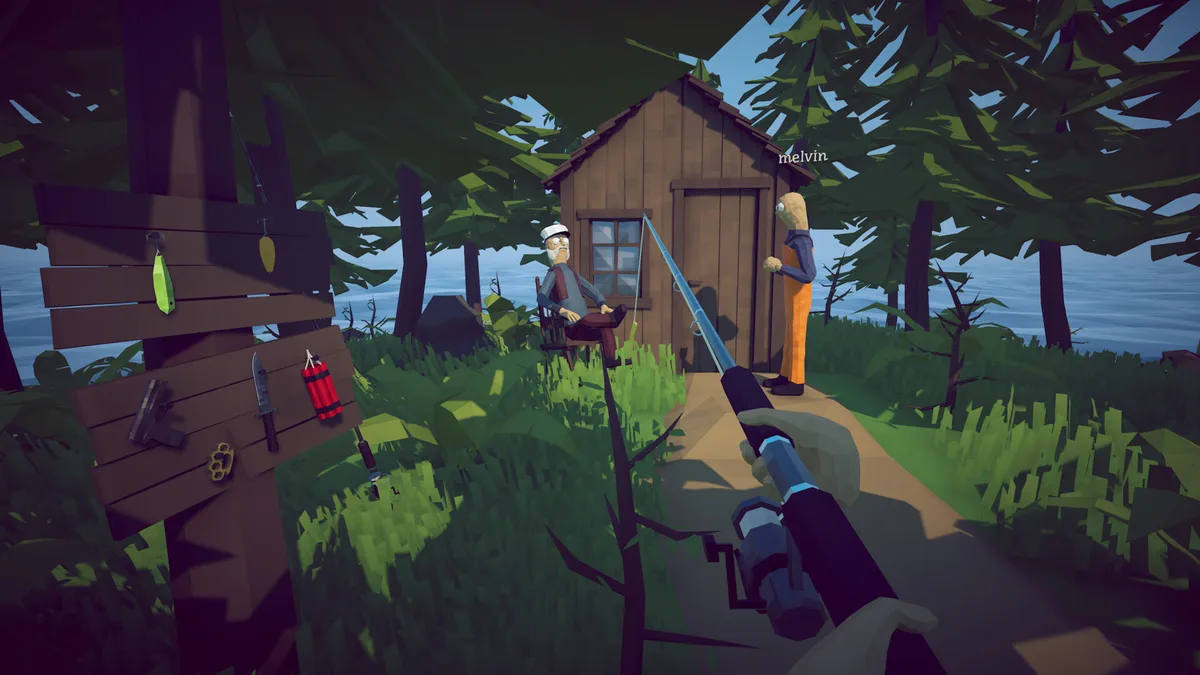
The names and descriptions come from Steam. The filters and checklist are convenience tools for your own playthrough.
Search the 31 official achievement names and descriptions without relying on a shortened third-party list.
Use the unofficial Story, Progression, Combat, Collection, and Special groupings to focus on a type of task.
Tick achievements as you earn them. The page stores only your checkbox state locally and does not connect to Steam.
Your checklist is stored in this browser only. It is separate from Steam's real unlock state.
0% checked in this browser
Percentages are the September 29, 2026 snapshot and are not live statistics.
Search by name or description, filter by planning group, and mark your own completion state.
Showing 31 of 31 achievements
Scroll the table sideways to see all columns.
| Achievement | Official description | Group | Steam global rate | My checklist |
|---|
Planning note: the group labels are editorial, not official Steam categories. Global rates are a snapshot and may move daily. A checked box here is only your own note; it does not confirm that Steam has awarded the achievement.
You can earn achievements in many different orders. This is a planning sequence, not a required route.
Start with Getting started, Who stole my beer, Getting an upgrade, and Dinnertime while learning the Lighthouse and Forest progression. Use the Island Progression guide when you need the next story gate.
Noob, Impressive, 360 no scope, Let me go, Grillmaster, and Yummy in my tummy can be pursued while you explore. Do not delay story hand-ins just to force a special challenge on the first attempt.
Collector and Fishipedia ask for different collection targets. Use the normal Fishipedia tracker for the broad creature list, then use the Drip-only guide for rare variants and their separate checklist.
Bean requires finishing within 1 hour, while Handyman requires defeating the final boss with bare hands. The Bean guide and timer can help plan a focused run, but neither the timer nor this checklist can unlock Steam achievements for you.
Yes. The 31 names and descriptions on this page were checked against the official Steam Community achievement page on September 29, 2026. The planning groups are added by this guide and are not official Steam labels.
No. It uses localStorage in this browser only. It does not ask for a Steam login, read your profile, send analytics, or modify game files. Clearing browser data can remove the checklist.
Current community routes commonly discuss Easy Mode, but the official Patch 1.0.9 announcement checked for this page does not explicitly guarantee Bean eligibility on Easy Mode. Treat the setting as version-sensitive and confirm the result in your current build.
Steam's official descriptions distinguish them: Collector asks you to find and kill all creatures, while Fishipedia asks you to find and kill all drip creatures. The game may present additional collection context, so use the current in-game encyclopedia as the final authority.
Global achievement percentages change as the player population changes. If Steam does not expose a percentage in the current page capture, this page leaves it as “Not shown” rather than inventing a value. The official name and description remain the primary data.
Checked September 29, 2026. The official Steam Community achievement page ↗ lists 31 achievements, their names, descriptions, and the displayed global unlock percentages. Steam is the source of truth for the official list.
The official Patch 1.0.9 announcement ↗ was also checked for difficulty and achievement-related context. It does not explicitly guarantee that Bean is eligible on Easy Mode, so this page does not make that claim. The separate Bean route is labeled as community planning information.
This is an unofficial fan-made guide and has not been verified by hands-on play in this project. The tracker is a private browser convenience tool; it does not unlock Steam achievements or represent a confirmed Steam account state. Re-check achievement descriptions after major patches or newly added content.